For online stores, marketplaces and wholesalers
Automated product categorization
TabsPilot categorizes products using your category structure, from small lists to catalogs with millions of items.
Your first 100 products are free. Account required.
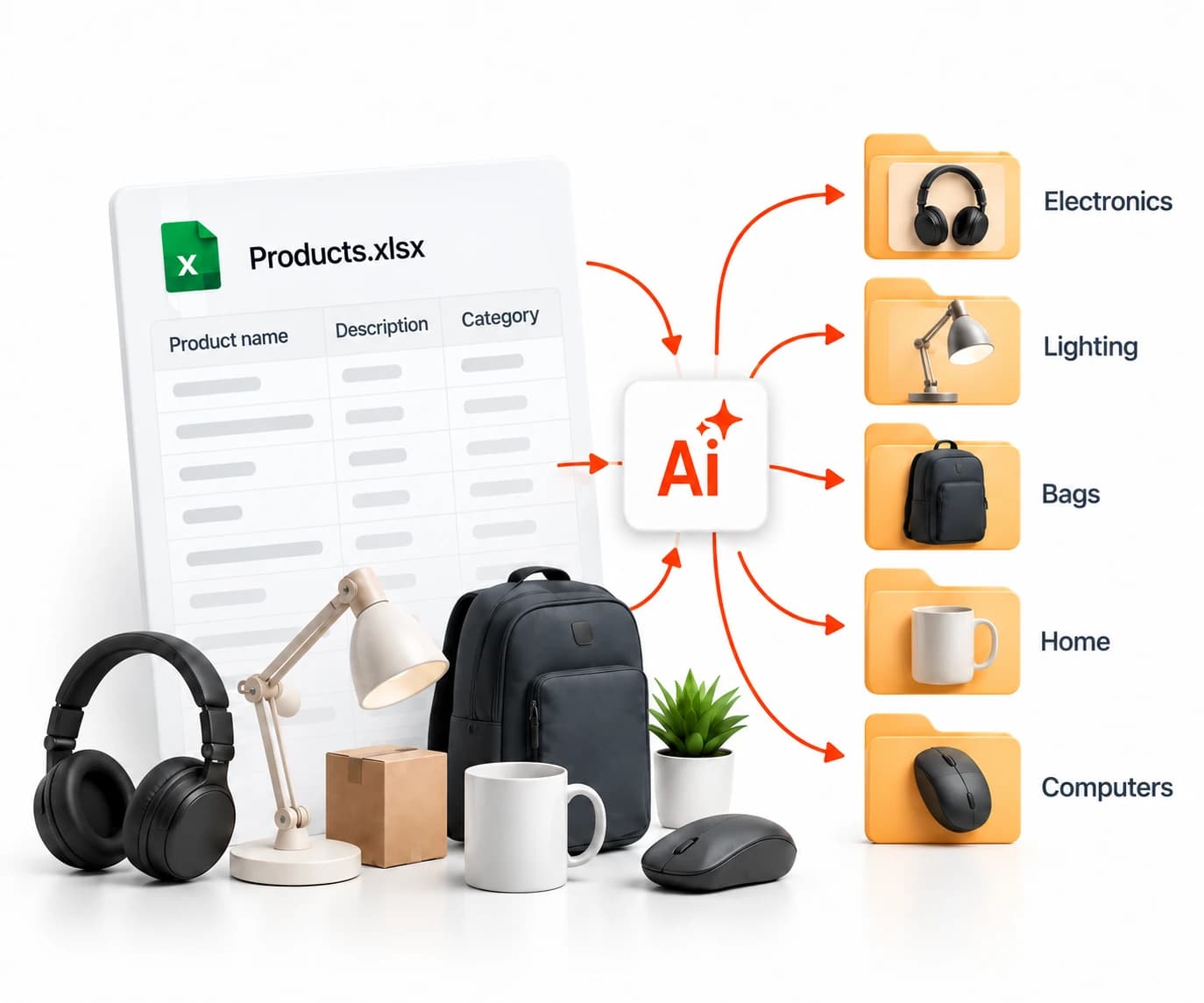
- Automated
catalog processingUsing your store category structure - XLSX and CSVCatalog uploads and exports
- From $0.99 per 1,000 productsWith Scale: 100,000 products for $99
Fast bulk product categorization
TabsPilot uses a specialized AI model to categorize thousands of products. Automated processing, review of uncertain assignments and ready-to-use exports, without writing AI prompts yourself
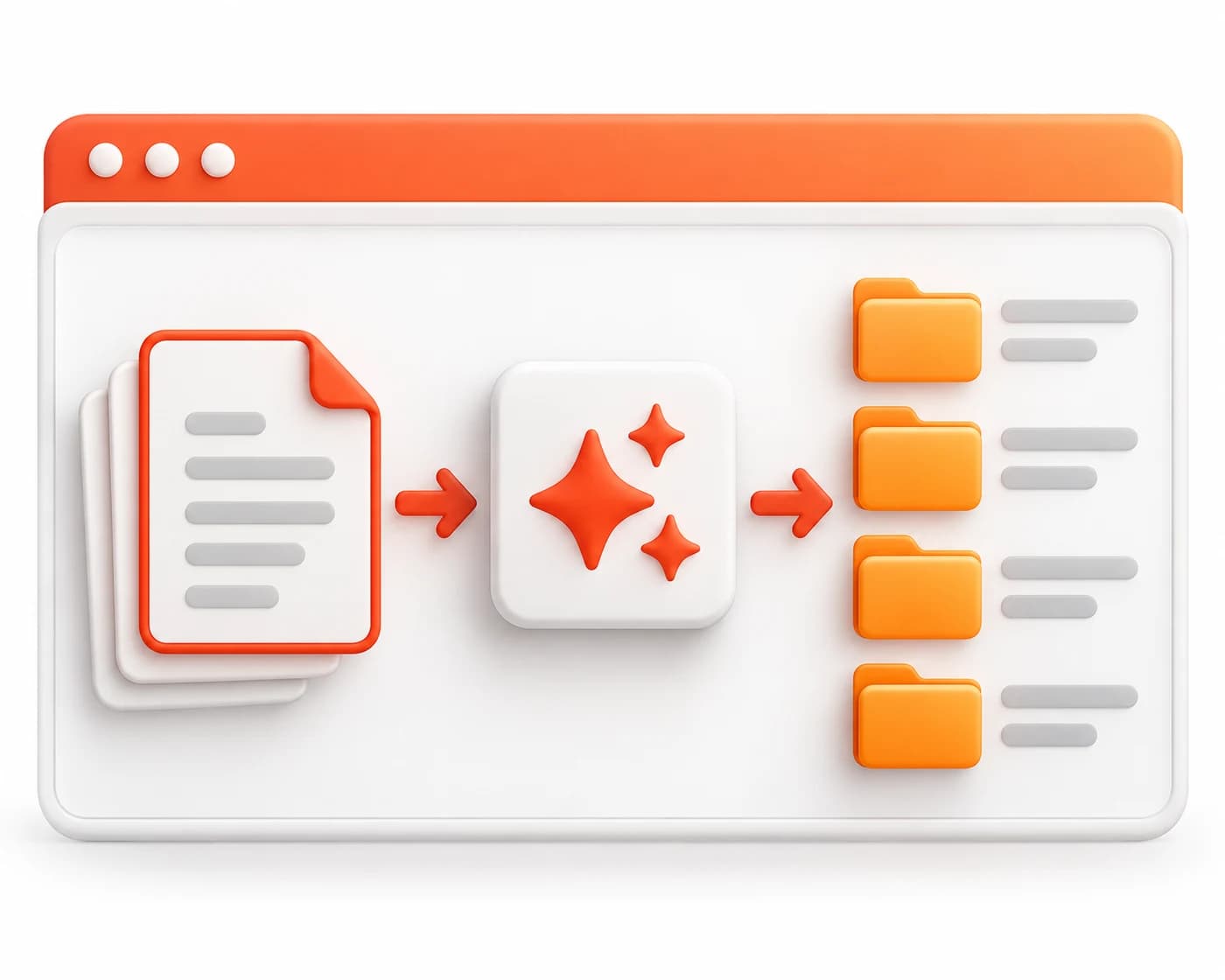
5× faster than
general-purpose AI models
What you can do with TabsPilot
Categorize products from scratch
AI finds suitable categories using product names, descriptions and specifications.
Map a supplier catalog
Assign products from supplier categories to your store structure. A single source category can map to multiple store categories.
Process large catalogs
Process large catalogs using one saved store category structure.
How it works
Start processing
AI automatically matches product rows to categories.
Download your results
Get an XLSX or CSV file with assigned categories. Original columns and row order are preserved.
Your categorized results
A ready-to-use file with categories for your products. Your store structure and upload history stay in your account.
| SKU | Product name | Source category | Store category | Status |
|---|---|---|---|---|
| 001 | USB-C cable, 2 m | Accessories | Cables and adapters | |
| 002 | 14″ laptop sleeve | Accessories | Cases and protection | |
| 003 | Wireless mouse | Accessories | Keyboards and mice |
Demo catalog. Download the CSV to see the export format.
Sample upload files
Download the CSV samples and use them to prepare your data.
Processing prices
Every package includes all features. Pay for the volume you process, with no required subscription.
PREVIEW
Free
100 products
Try TabsPilot with your own data. Check the categorization quality before buying.
Try for freeSPARK
$2.90
1,000 products
For small catalogs, test uploads and one-off tasks.
FLOW
$14.90
10,000 products
For regular supplier catalog processing and product range updates.
Just $1.49 per 1,000 products.
WAVE
$39
30,000 products
For bulk product categorization and large catalog preparation.
Just $1.30 per 1,000 products.
SCALE
Best value$99
100,000 products
For businesses with large product ranges and multiple data sources.
Just $0.99 per 1,000 products.
ATLAS
from $990
1,000,000+ products
For large distributors, commerce platforms and high-volume data projects.
Custom terms for large volumes.
Discuss your volume
Included in every package
- Automatically assign products to your categories.
- Categorize products without source categories.
- Remap supplier catalogs to your store structure.
- Flag uncertain assignments for review.
- Edit assignments individually or in bulk.
- Export results to Excel and CSV.
- Keep your category structure and processing history.
All plans include the same features. You pay only for the number of products.
How credits work
1 product row = 1 credit. Reviewing and editing assignments costs no extra credits.
Frequently asked questions
Which file formats are supported?
XLSX and CSV. Upload your store category structure and a catalog with product names. Descriptions, brands and specifications help improve categorization. You can review the detected columns after uploading.
Can I upload products without categories?
Yes. TabsPilot uses product names, descriptions and your store category structure. Supplier categories are also considered when available. Products from one source group can be assigned to different store categories.
How do I work with large catalogs?
Reuse your saved store structure for every upload. You do not need to set up categories again for each file.
What does the exported file contain?
Your original columns and row order are preserved, with final categories added alongside them. Export as XLSX or CSV, then import the file into your store yourself. TabsPilot does not publish products automatically.
Can I change individual assignments?
Yes. Choose another category from your tree for a single row or an entire group. Products needing review are listed separately. Reviewing and editing assignments costs no extra credits.
How long are results stored?
Detailed results are kept for 90 days and source files for 72 hours. Your store category structure and upload history stay in your account. You do not need to upload the structure again for each catalog.
Start categorizing your catalog
Your first 100 products are free. Upload your files and try automated categorization.